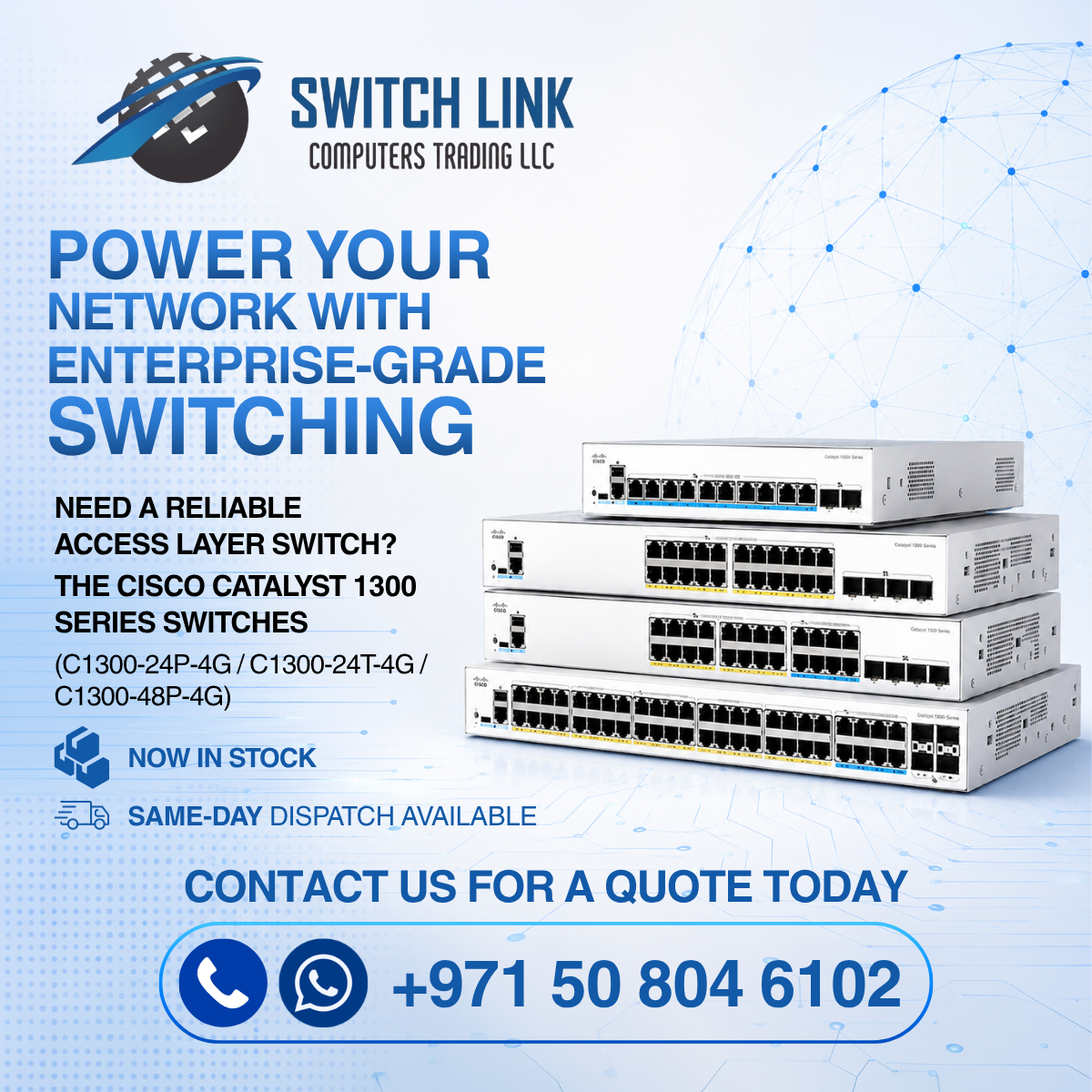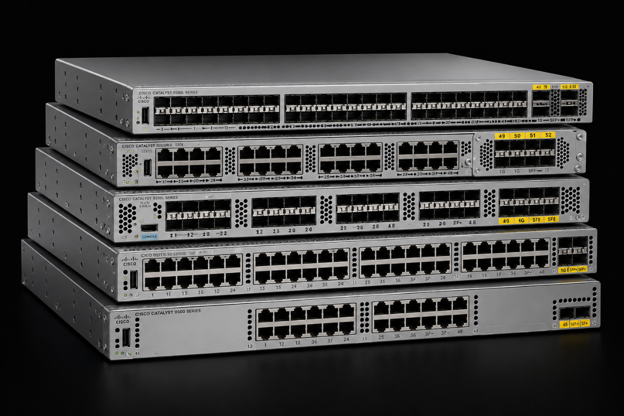
There is nothing quite like the collective groan that echoes across an office when the main network suddenly drops out. Work comes to a grinding halt, big file downloads break halfway through, and an important client call gets cut off right as you are about to seal the deal. When those annoying connection glitches start happening regularly, the culprit is often the central box wiring everything together behind the scenes: your network switch. Think of this switch as the traffic director for your workplace, plugging together all your desktops, printers, desk phones, and wireless equipment so they can share data seamlessly. Choosing the right brand can feel overwhelming when you are staring at dozens of options online. At Switch Link, we guide local businesses through these choices every single day. We are a leading Cisco supplier in the UAE, and we know that the most expensive unit is not the best switch to buy. It is about matching your team size, daily workload, and future goals.
Why Does It Matter To Choose an Experienced Cisco Supplier in Dubai, UAE
Upgrading your network infrastructure is not about picking up a random box from the shelf and connecting cables. Teaming up with a dedicated Cisco supplier in Dubai, like Switch Link, means you get genuine, high-grade hardware built to handle heavy office demands, paired with local specialists who actually understand the unique needs of businesses operating across the region.
Different hardware brands build their equipment for completely different scenarios. A basic home-style setup could seem budget-friendly on day one, but it quickly chokes once you plug in dozens of laptops, security cameras, and cloud software programs. A knowledgeable local provider looks closely at your office layout, daily data demands, and growth projections so you put your budget into equipment that runs quietly and smoothly for years.
Brand Breakdown: Cisco vs. D-Link vs. Other Popular Options
Here’s how the main switch brands stack up in everyday commercial use to help you decide which direction makes the most sense for your office:
Cisco: Built for Total Reliability and Long-Term Growth
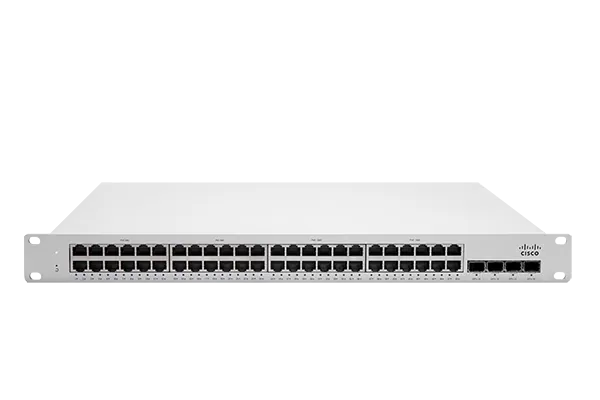
If zero downtime, rock-solid stability, and airtight security are top priorities, Cisco remains the undisputed gold standard. These switches are designed for busy environments where network crashes cost real money. They can handle heavy traffic with ease, prioritize live voice and video calls so they never lag, and keep unwelcome eyes out of your private company files. The initial cost is higher, but their durability and consistent performance make them the best option for growing teams.
D-Link: Easy and Affordable for Small, Light Setups
D-Link is known for making easy, affordable hardware that works well for smaller spaces with light networking needs. If you run a small office that only needs to get a handful of laptops and a shared printer online, D-Link gives you an affordable plug-and-play solution. They are quick to set up, though they lack the advanced control features, heavy traffic capacity, and deep security protections needed by larger or rapidly expanding offices.
Other Brands: Well-Balanced Mid-Range Choices (HP, Dell, Fortinet)
Names like HP, Dell, and Fortinet offer strong middle-ground choices. HP and Dell produce dependable equipment that integrates naturally into standard IT environments, making them popular for mid-sized workplaces. Fortinet is a fantastic option if cybersecurity is at the top of your list, as their switches sync directly with their firewalls to stop digital threats before they ever touch your office computers.
Quick Comparison: Cisco vs. D-Link vs. Mid-Range Brands
| Feature | Cisco | D-Link | Mid-Range Brands (HP/Dell/Fortinet) |
|---|---|---|---|
| Best Fit For | Growing businesses and active offices | Small teams and light workspace setups | Mid-sized companies with steady workloads |
| Traffic Handling | Outstanding under heavy daily demands | Great for light, everyday internet tasks | Solid and reliable for standard office work |
| Built-In Protection | Top-tier security and threat prevention | Essential basic network filtering | Integrated options for extra security |
| Control & Customization | Deep control over every connected port | Basic setup with minimal adjustments | Easy-to-use management options |
| Room for Expansion | Excellent, designed for effortless growth | Limited expansion potential | Good room for gradual company growth |
What to Look for When Choosing an Office Switch
Before making your final purchase, keep these practical points in mind so you end up with hardware that truly fits your day-to-day operations:
- Number of Cable Ports: Always choose a switch with more ports than you currently use. If you have 12 devices today, grab a 24-port model so you can hire new team members or add printers without replacing the main unit.
- Power Delivery Through Internet Cables: If you use desk phones, ceiling Wi-Fi units, or wall cameras, choose a switch that sends electric power directly through the network cable. This eliminates extra power adapters and keeps wall sockets clear.
- Speed Capabilities: Stick to switches that support fast gigabit speeds across all ports. If your team works with large media files or heavy database tools, higher speeds keep work moving without annoying loading screens.
- Plug-and-Play vs. Fully Managed Units: Basic switches simply pass data back and forth with no custom controls. Managed switches give you total oversight, letting you prioritize clear voice calls, isolate visitor Wi-Fi, and monitor overall network health.
Office Network Switch Readiness Checklist
Walking through this short checklist will help ensure your office space is fully prepared for a smooth equipment installation:
- Count Your Connected Equipment: Make a complete list of every desktop computer, printer, phone, camera, and Wi-Fi unit that needs a wired spot.
- Pinpoint Important Real-Time Tasks: Note whether your daily work relies heavily on clear internet phone calls or video conferences that need uninterrupted speed.
- Inspect Your Cabinet and Desk Space: Make sure your equipment cabinet or shelf has plenty of airflow and space for neat cable routing.
- Secure a Battery Power Backup: Connect your main switch to a backup battery unit to guard against sudden power spikes and unexpected outages.
- Talk to a Local Specialist: Reach out to Switch Link so our team can evaluate your current infrastructure and recommend hardware that matches your exact workflow.
Conclusion
The best network switch must meet your daily needs with plenty of room to grow. Entry-level brands work well for basic home connections, but busy workplaces need rugged equipment that handles non-stop traffic without crashing. Partner with Switch Link, a trusted Cisco Supplier in Dubai, for commercial-grade reliability, honest advice, and hands-on support that is tailored to your facility. We do the heavy lifting on the network updates so you can enjoy fast, rock-solid connectivity every single day. If you want to eliminate irritating slowdowns and build an office infrastructure that lasts, browse through our hardware lineup on our website and contact our team today.
Frequently Asked Questions (FAQ)
If your business relies heavily on smooth video calls, secure client data, and continuous uptime, absolutely. The long life, low failure rate, and built-in security of Cisco equipment mean you save money and stress over time compared to constantly replacing cheaper consumer units.
A basic switch works like an electric power strip for internet cables, simply sharing the line around the room. A managed switch gives you total control, allowing you to prioritize vital call quality, create private zones for confidential files, and block security risks.
No, standard computers and laptops carry their own power cords. However, having power built into your switch ports gives you total freedom to place IP phones, security cameras, and wireless points anywhere without hunting for nearby wall outlets.
Yes, different brands can connect to share basic internet. But if you use the same brand ecosystem for your core network, it’s much easier to handle your equipment. It improves overall speed and makes your security rules consistent throughout the building.